
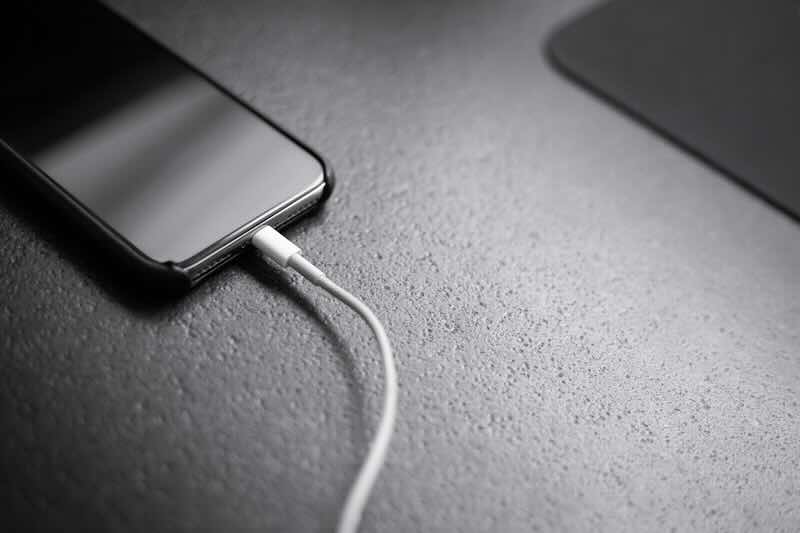
How to fix my phone not charging: a quick and easy guide
Is your phone refusing to power up? Are you staring at a dead battery, wondering ‘why won’t my phone charge?’ You’re not alone! Whether your phone is completely unresponsive or just charging at a snail’s pace, we’ve got you covered with this guide to fixing your charging woes.
In this blog:
- Check your charging cable and adapter
- Inspect the charging port
- Restart your phone
- Look for software issues
- Try wireless charging (if available)
- Check your battery health
- Seek professional help
Check your charging cable and adapter

Before panicking and assuming your phone is doomed, start with the basics:
- Try a different cable – Cables wear out over time and a frayed or broken wire could be why your phone won’t charge.
- Switch the adapter – A faulty cable or adapter could be the culprit behind your charging issues. Try switching your current cable or adapter with a different/new one.
- Test a different outlet – Sometimes, the issue isn’t your phone but the power source itself, so it’s worth trying a different outlet to see if your phone will charge.
If none of these quick fixes work, it’s time to dig a little deeper.
Inspect the charging port
One common answer to the question ‘why isn’t my phone charging’ falls on the charging port. Sometimes the charging port on your device becomes blocked or gets damaged, which leads to your phone not charging. Here’s how to check your charging port:
- Shine a light into the port and check for any obstructions – Dust, lint or debris might be preventing a good connection. If you see any dirt clogging the port, use a toothpick or compressed air to gently remove it.
- Check for bent pins – If any metal prongs look out of place, your phone may need a repair.
Restart your phone
It may sound too simple to be true, but a quick restart can work wonders. If your phone won’t charge, try turning it off and on again before assuming the worst. Sometimes, a minor software glitch is to blame.
Look for software issues
If you’re still wondering ‘why isn’t my phone charging’, a software problem could be the reason. Try these steps to fix a software issue that could be impacting your phone’s charging:
- Check for updates – Surprisingly, an outdated system can cause charging issues! Go into your settings and check if there are any updates you can perform.
- Reset your settings – If nothing else seems to work, restoring your phone’s settings to default might help.
Try wireless charging (if available)
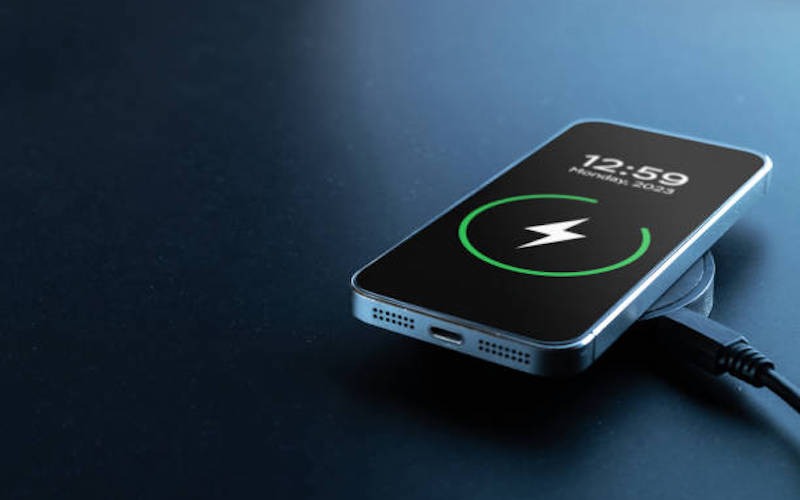
Phone charge. Mobile cell phone charge battery from wireless smart charger. Modern technology, portable fast charger
If your phone supports wireless charging, try placing it on a wireless pad. If it charges, the problem might be with the charging port rather than the battery.
Check your battery health
Older batteries degrade over time, making it harder to hold a charge. If you suspect your battery is the issue, check your phone’s settings for a ‘Battery Health’ feature (available on iPhones and some Androids) to see if a replacement is needed.
Seek professional help
If you’ve tried everything and still find yourself asking ‘why wouldn’t my phone charge’, it might be time to visit a repair shop. A technician can diagnose issues like internal damage, faulty components or deeper software glitches and advise you on a repair or replacement.
Hopefully, this guide has helped you figure out what to do if your phone won’t charge. If you’re still stuck with a faulty phone, it might be time to get a new one. Switch to a refurbished phone and sell your old phone for cash to make your upgrade even cheaper!






Recent Comments
on Which British artist has sold the most albums?
on Who is the most popular video game character (based on sales)?
on Which British artist has sold the most albums?
on COVID-19 update: We’re here to help you work, connect and play from home
on COVID-19 update: We’re here to help you work, connect and play from home