
Please note: Once your item arrives with us our team of trained experts will run a full diagnostic check to verify your device is as described.


Sell your Apple Watch Series 4!
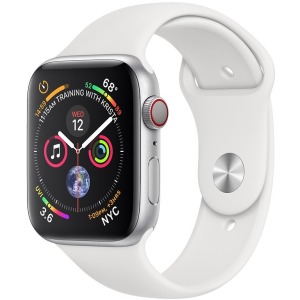
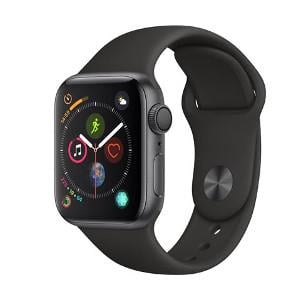
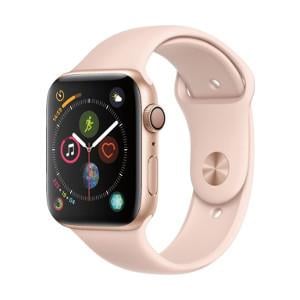
Thinking of selling your unwanted Apple Watch Series 4? Get an instant price, send it for free, and receive Fast Same Day Payments with musicMagpie! Find out how much you can make when you sell your Apple Watch Series 4 by selecting the product you want to sell.
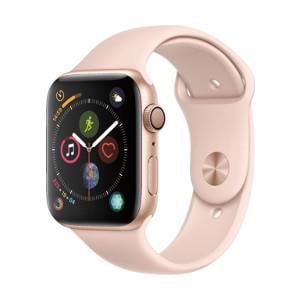
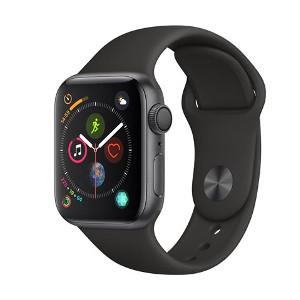
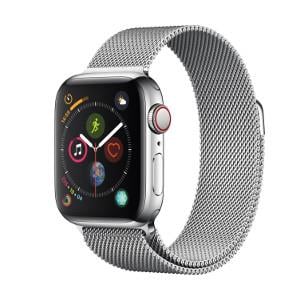
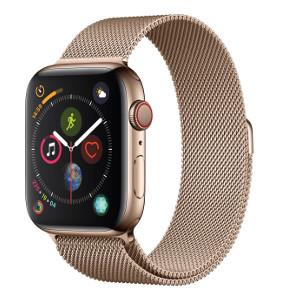
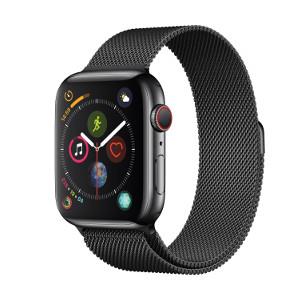
How do I sell my Apple Watch Series 4?
Whether you’re thinking of upgrading or already have, you can make it cheaper and more environmentally friendly by trading-in and shopping with us!

Get a free instant valuation: just tell us what you want to sell and we’ll tell you how much it's worth.

Send your items for free using one of our convenient options. If you’re selling a phone, you can take it to your nearest participating Timpson store.

Once your items arrive, our expert team will carry out a fair and thorough quality assessment.

When we’ve completed our checks, we’ll pay you the same day via bank transfer.
Trading in an Apple Watch Series 4
Sell an Apple Watch Series 4 with musicMagpie for an instant evaluation, free postage and same-day payment after we receive your item.
How to sell my Apple Watch Series 4?
1. Choose the storage capacity and condition of your Apple Watch Series 4
2. Get a FREE instant valuation
3. Send your watch to us for FREE in a secure box
4. Get paid the same day we receive your tech
Apple Watch Series 4 prices and value
The value of your Apple Watch SE depends on:
• The model
• The condition you select
How much is my Apple Watch Series 4 worth?
The value of your Apple Watch Series 4 depends on the condition you select when you get your quote and the outcome of our inspection. If it matches the description that you gave us, you’ll receive the first price we offered, thanks to our Tech Price Promise.
Other Apple Watch models you can sell
You can also sell these Apple Watch models with musicMagpie:
Apple Watch Series 5 | Apple Watch Series 6 | Apple Watch Series 7 | Apple Watch Series 8 | Apple Watch Series 9 | Apple Watch Series 10
How to reset an Apple Watch Series 4 before selling or trading it in
• Place your iPhone and Apple Watch close together
• Open the Apple Watch app on your iPhone and tap My Watch
• Tap your watch name, then press the information (i) icon
• Select Unpair Apple Watch
• If applicable, tap Remove (Operator) Plan and contact your network provider to cancel
• Enter your Apple ID password to turn off Activation Lock
• Confirm to unpair your device
Your iPhone will create a backup, which can make it easier to set up another Apple Watch if you upgrade later on.
Selling a broken Apple Watch Series 4
We can accept Apple Watch Series 4 devices with:
• Heavy scratching or wear
• Liquid damage
• Functional defects
However, we can’t buy devices that are:
• Bent, crushed or snapped in half
• Missing essential components
If you’re missing the wristband or original charger, that doesn’t stop you from trading your device with us. Please note that devices in excellent condition are usually worth more than devices that are damaged or in poor condition, but all eligible watches can still be sold.
Related blogs

Should you buy the Apple Watch 8? How Apple Watch 7 and older models compare
Is the Apple Watch 8 worth it vs. other models? Read on to find out.

What’s the difference between Apple Watch Series 5 and 6?
Learn the key differences to help you decide which model to choose.

Why buy a smartwatch? The pros and cons to know before you purchase!
If you're still not sure, here are a few reasons to consider a smartwatch.
Postage and payment
After you’ve accepted the quote, payment is fast and easy.
Is postage really free?
Yes. Sending your Apple Watch Series 4 to us is completely free.
When will I get paid?
You’ll receive your payment via bank transfer on the same day we receive your Apple Watch Series 4.