
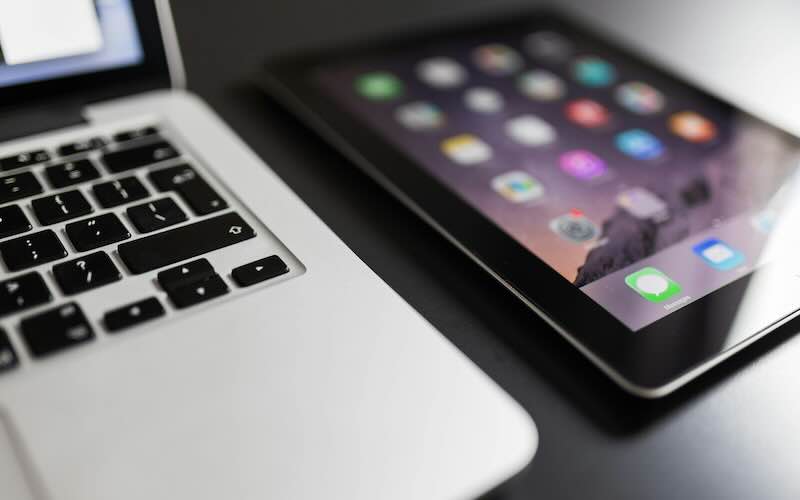
What is better: a tablet or a laptop?
If you’re shopping for a new device, you’ve probably found yourself comparing a laptop vs tablet and wondering which one is the better choice. The truth is, there’s no one-size-fits-all answer. Whether you’re studying, working, streaming your favourite shows or getting creative, both laptops and tablets have their own strengths and weaknesses.
In this guide, we’ll break down the key differences between tablets and laptops to help you decide which device is right for you.
In this blog
- Laptop vs tablet: what’s the difference?
- The pros and cons of laptops
- The pros and cons of tablets
- Should students choose a tablet or laptop?
- Who should choose a laptop?
- Who should choose a tablet?
- Laptop vs tablet: which is better?
Laptop vs tablet: what’s the difference?
At a glance, tablets and laptops can seem quite similar. Both let you browse the internet, check emails, watch videos and use apps. However, they’re designed with different priorities in mind.
A laptop is built for productivity, offering a physical keyboard, larger storage capacities and more powerful performance. A tablet, on the other hand, focuses on portability, touchscreen convenience and ease of use.
When comparing a tablet laptop vs laptop, it often comes down to whether flexibility or power is more important to you.
The pros and cons of laptops

Pros of laptops
Great for productivity
Laptops are designed for tasks that require a lot of typing, multitasking or specialised software. If you’re regularly writing documents, creating spreadsheets or managing multiple browser tabs, a laptop is usually the more comfortable option.
More powerful performance
Many laptops feature faster processors, larger amounts of RAM and greater storage capacities than tablets. This makes them ideal for demanding tasks like video editing, coding or gaming.
Better for multitasking
Need several applications open at once? Laptops generally handle multitasking much more smoothly, making them a popular choice for professionals and students alike.
Cons of laptops
Less portable
While modern laptops are becoming thinner and lighter, they’re still bulkier than tablets and take up more space in a bag.
Shorter battery life
Some laptops can struggle to match the all-day battery life offered by many tablets, particularly when running demanding applications.
More expensive for premium models
High-performance laptops can come with a hefty price tag, especially if you’re looking for advanced specifications.
The pros and cons of tablets

Pros of tablets
Lightweight and portable
One of the biggest advantages of a tablet is how easy it is to carry around. Whether you’re commuting, travelling or relaxing on the sofa, tablets are designed to go wherever you do.
Easy to use
Touchscreen controls make tablets intuitive and accessible for users of all ages.
Excellent battery life
Many tablets can comfortably last an entire day on a single charge, making them ideal for entertainment and everyday use.
Perfect for streaming and browsing
If your main activities include watching Netflix, scrolling social media or reading eBooks, a tablet can be a fantastic option.
Cons of tablets
Limited multitasking
Although modern tablets are becoming more capable, they still can’t always match the multitasking power of a laptop.
Smaller screens
The compact size that makes tablets portable can also make them less comfortable for extended work sessions.
Software limitations
Some desktop applications simply aren’t available on tablets, which can be frustrating if you rely on specialist software.
Should students choose a tablet or laptop?
For many students, the answer depends on their course and study habits.
A student tablet computer can be an excellent choice for taking notes, reading textbooks, attending online lectures and staying organised. Tablets are lightweight enough to carry around campus all day and often offer impressive battery life.
However, students who frequently write essays, create presentations or use specialist software may find a laptop more practical. The physical keyboard and improved multitasking capabilities can make studying much easier.
For many students, a hybrid setup works best. Pairing a tablet with a keyboard accessory can offer a good balance between portability and productivity.
Are tablets better for graphic designers?
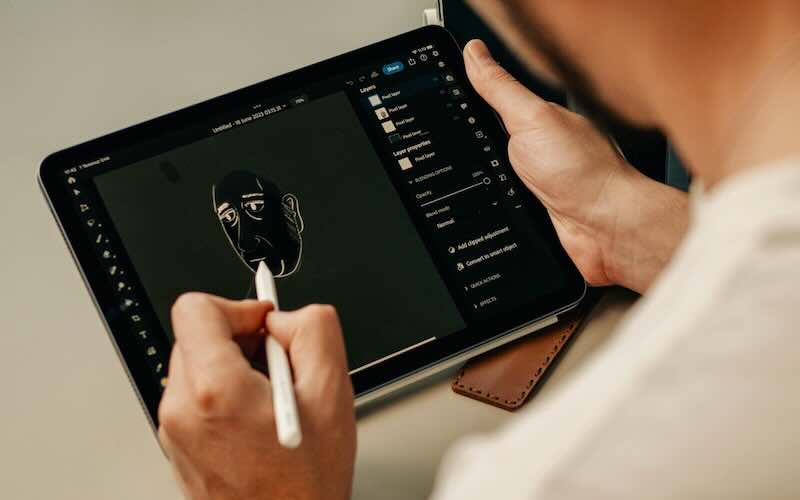
Graphic designers often benefit from the touchscreen functionality of tablets, especially when using a stylus for drawing, sketching or photo editing.
Devices like iPads and other premium tablets can be fantastic for illustration work, digital art and creative projects. The direct interaction with the screen often feels more natural than using a mouse or trackpad.
However, professional designers who work with advanced software may still prefer a laptop or desktop computer for the additional processing power and wider software compatibility.
Who should choose a laptop?
A laptop may be the better option if you:
- Work from home regularly
- Need to type frequently
- Use demanding software
- Want strong multitasking performance
- Need lots of storage space
If productivity is your top priority, a laptop is usually the safest choice.
Who should choose a tablet?
A tablet could be the right choice if you:
- Mainly browse the web
- Stream films and TV shows
- Read books or magazines
- Travel frequently
- Want a lightweight device for everyday use
For casual users, a tablet often provides everything you need in a more portable package.
Laptop vs tablet: which is better?
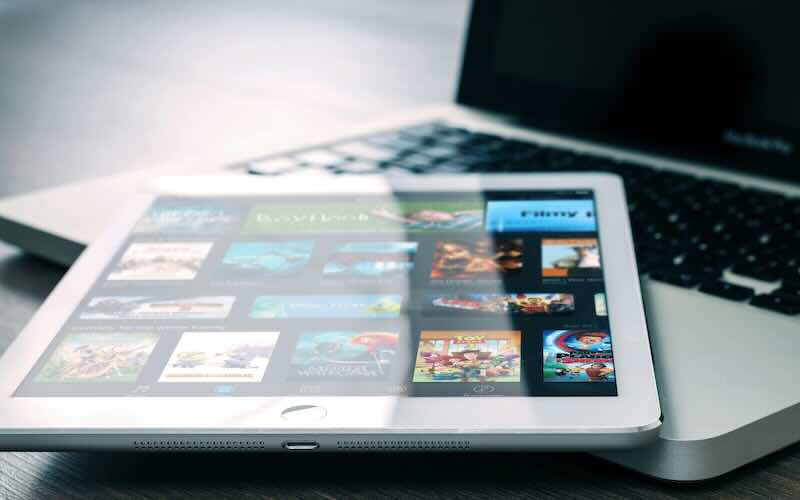
When it comes to laptop vs tablet, neither device is universally better than the other. Laptops excel at productivity, performance and multitasking, while tablets shine when it comes to portability, battery life and convenience.
If you’re primarily working, studying or creating content, a laptop is likely the better choice. If you’re looking for a lightweight device for entertainment, browsing and everyday tasks, a tablet could be all you need.
Ultimately, the best device is the one that fits your lifestyle, budget and how you plan to use it day to day.
Made your decision? Whether you’ve settled on a laptop for productivity or a tablet for portability, you don’t have to pay full price to get the device you want. Explore our range of refurbished laptops and refurbished tablets to find your perfect match and enjoy great savings compared to buying new.






Recent Comments
on Which British artist has sold the most albums?
on Who is the most popular video game character (based on sales)?
on Which British artist has sold the most albums?
on COVID-19 update: We’re here to help you work, connect and play from home
on COVID-19 update: We’re here to help you work, connect and play from home